
Segments and tags
Segments are saved filters that pick the right contacts for a campaign. Tags are labels you attach to contacts.
Segments
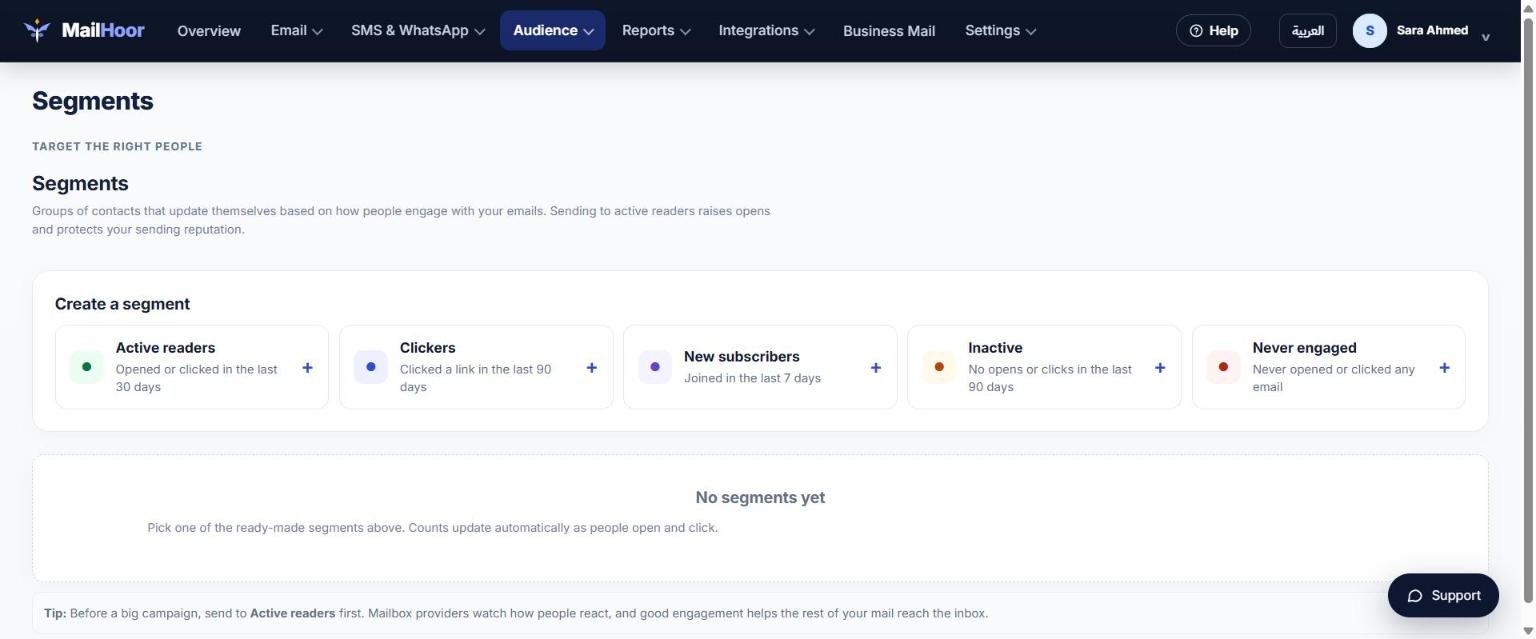
Open Audience → Segments and pick one of the ready-made segments. Each one updates by itself: contacts join when they match and leave when they stop matching.
| Segment | Who is in it | Use it to |
|---|---|---|
| Active readers | Opened or clicked in the last 30 days | Send your biggest campaigns to them first |
| Clickers | Clicked a link in the last 90 days | Follow up with people who showed interest |
| New subscribers | Joined in the last 7 days | Welcome new people |
| Inactive | No opens or clicks in the last 90 days | Re-engage them, or stop mailing them |
| Never engaged | Never opened or clicked any email | Clean your list |
To send to a segment, open Email → Campaigns, create a campaign and pick the segment as the recipients.
Deleting a segment never deletes contacts. Only the segment is removed.
Tags
Tags are labels such as vip, cairo or webinar-oct. Add them during import, from a signup form, through an integration, or with the API (/lists/{id}/feed). Use tags inside segment conditions to target exactly the people you want.
Tips
- Send to engaged segments first when you warm up a new domain.
- Keep segments simple: two or three conditions are usually enough.
Still need help? Email support@mailhoor.com or call +20 101 072 9258. We answer in Arabic and English.