
Deliverability best practices
Reaching the inbox depends on authentication, on how you collect contacts, and on how people react to your email. MailHoor handles the first; these practices handle the rest.
The rules Gmail, Yahoo and Outlook enforce
Bulk senders must:
- Authenticate with SPF and DKIM, and publish a DMARC record.
- Send from a domain aligned with the From address.
- Include one-click unsubscribe and honour it quickly.
- Keep spam complaints below 0.3%, and ideally under 0.1%.
MailHoor sets up authentication with you, adds a one-click unsubscribe header to every campaign, and removes unsubscribed contacts automatically.
Collect contacts the right way
- Use signup forms and turn on double opt-in for new subscribers.
- Never buy, rent or scrape lists.
- Say clearly what people will receive and how often.
Keep your list clean
- MailHoor removes hard bounces, complaints and unsubscribes from future sends automatically.
- Import checks remove disposable addresses and domains that cannot receive email.
- Re-engage or remove contacts who have not opened or clicked for months. The Inactive segment finds them.
Build up volume gradually
If your domain is new to sending, start with your most engaged contacts and increase volume over a few weeks. MailHoor sends on warmed-up IPs with gradual warm-up, but your domain also builds its own reputation.
Write emails people want
- A clear subject line that matches the content.
- A real From name and an address people can reply to.
- A visible unsubscribe link, a balance of text and images, and links to your own domain.
Watch your numbers
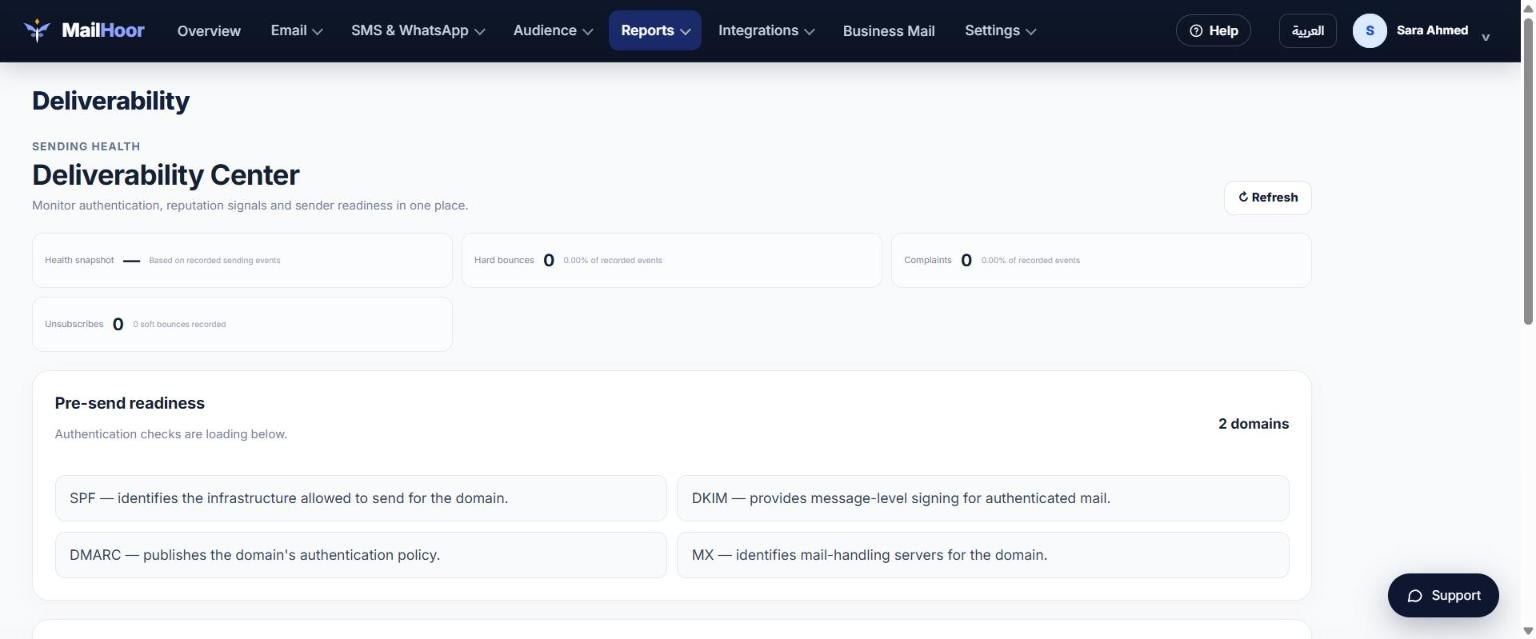
Open Reports → Deliverability to follow bounces and complaints. If complaints rise, slow down, check where the contacts came from, and send only to engaged segments until the rate drops.
Still need help? Email support@mailhoor.com or call +20 101 072 9258. We answer in Arabic and English.