
Landing pages
Build a simple web page with a signup form, hosted by MailHoor, to collect subscribers from ads, social media and QR codes. Available on Business and above.
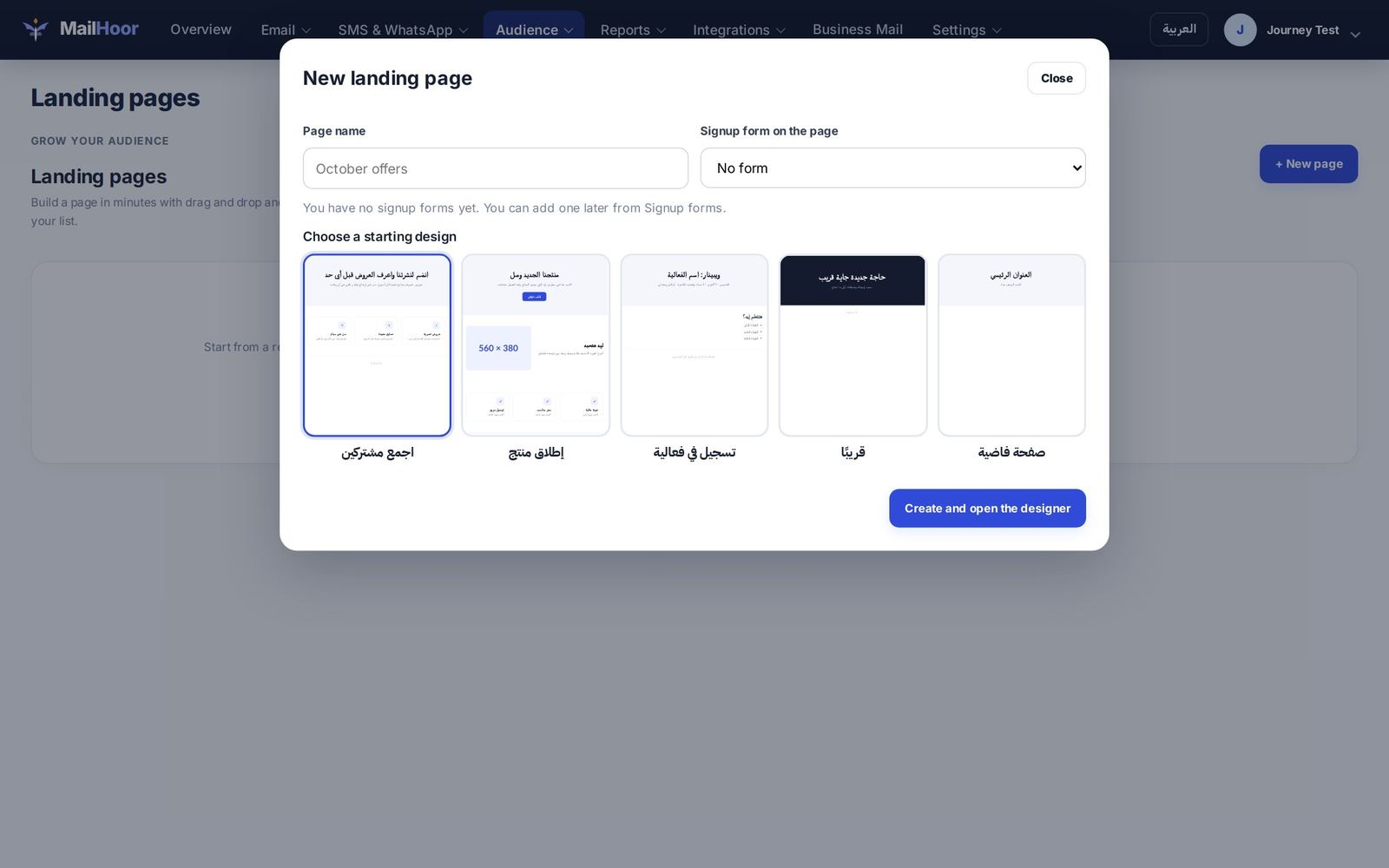
Create a landing page
- Open Audience → Landing pages and create a page.
- Design it in the page designer: add a heading, text, images and a signup form.
- Choose the list that subscribers join.
- Save and publish. MailHoor gives you a link to share.
Close the designer only after saving; unsaved changes are lost.
Good landing pages
- One goal per page: subscribe.
- A headline that says what people get, and why now.
- A short form: email, and a name if you need it.
- A line about privacy: how often you email, and that people can unsubscribe at any time.
Deleting a page
Deleting a page stops its link working. Contacts it collected stay in your list.
Measure results
Contacts who join through a page appear in the list you chose. The New subscribers segment shows who joined in the last 7 days.
Still need help? Email support@mailhoor.com or call +20 101 072 9258. We answer in Arabic and English.